Web Tools · performance audits
Website performance audits that reveal real user bottlenecks
A grounded way to read Core Web Vitals, trace render-blocking work and turn field data into the next useful fix.
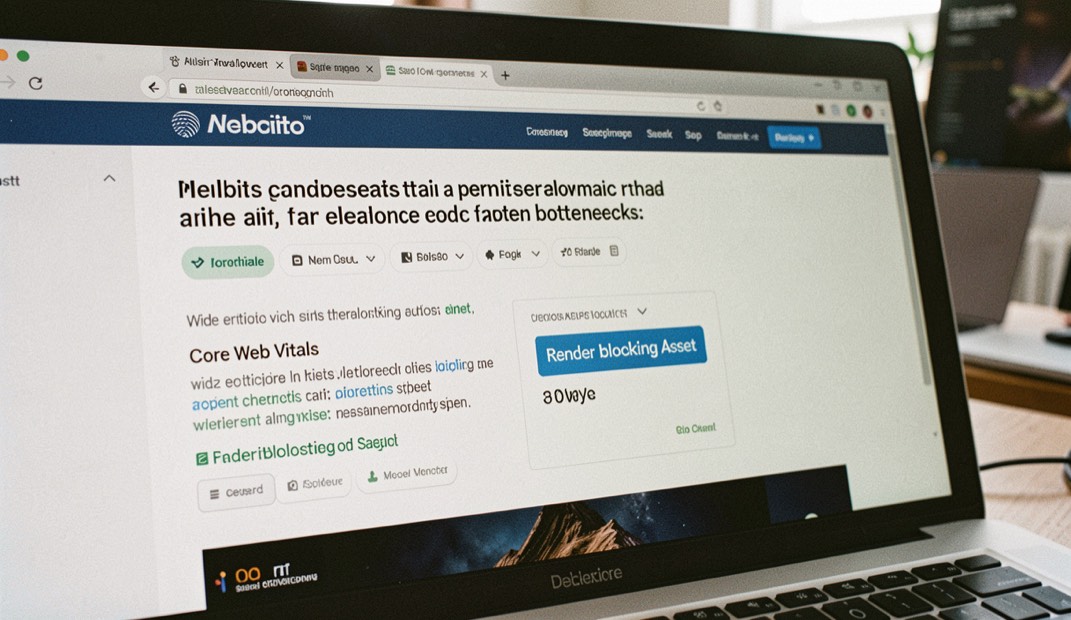
The useful version of a web practice is the one that can be repeated by someone else. This note keeps the scope tight, names the trade-offs and ends with a way to check the result. Continue with the performance audits index or meet the Sites To Use editorial desk behind the notes.
Start with the slowest useful moment
A performance audit is most useful when it names the moment a person is waiting for, not just the metric that looks bad. Begin with the first meaningful heading, the first product image or the first control a visitor needs. Record when it becomes visible and what still competes with it for the main thread.
The distinction matters because a page can score acceptably while the thing that gives it meaning arrives late. A small trace of the loading sequence usually explains more than a long list of generic recommendations.

Separate evidence from suspects
Field data describes what people experienced across devices and connections. A local trace helps explain why. Keep the two views beside each other, then mark each possible cause as observed, plausible or still unknown. This makes the audit honest and gives the next person a short queue instead of a cloud of guesses.
Look first for render-blocking styles, oversized hero images, font swaps and scripts that run before interaction. Change one class of work at a time so the result can be attributed.
Leave a repair note
A good audit ends with a small decision record: what changed, which page was checked, what improved and what remains outside the current budget. Repeat the same journey after each meaningful release. Over time that sequence becomes a more reliable instrument than a one-off score.
Capture a representative journey
Choose a route that matters to the organisation before recording a trace. For a shop, that may be a category page followed by a product page and an add-to-basket action. For a publication, it may be the home page, an article and the newsletter prompt. Test a cold visit and a repeat visit at a named viewport and network profile. Save the URL, build identifier, browser version and recording conditions beside the result. That evidence prevents a later team from comparing two runs that were never equivalent.
Use the trace to connect a delay to a specific request, element or task. Check the Network panel for response timing and transfer size, then use the Performance panel to see when the largest content, layout shifts and interactions occur. A screenshot filmstrip is useful when a technically small delay affects the one image or control that carries the page's commercial purpose. Keep the user journey visible while reading the metrics.
Turn findings into a budgeted backlog
Group findings by ownership and expected effect. Image delivery may belong to the content pipeline, server response to hosting, and long tasks to application code. For each candidate fix, record the affected templates, the measurement that should move, implementation effort, rollback path and the exact journey that will be retested. This converts an audit from a scorecard into a procurement and delivery brief that a developer, host or performance specialist can price without guessing at scope.
When comparing monitoring products, ask whether they expose field and laboratory data separately, retain raw samples, segment by page type and device, and export data without a proprietary dashboard. Check traffic limits, sampling, alert rules, collaborator seats, API access, retention and renewal pricing. A cheaper subscription can become expensive if every investigation still requires a second tool or if historical data disappears before a quarterly review.
Audit numbers describe ordinary conditions, not a clean lab. A page that loads in two seconds on a fast connection can take six on a phone in a lift, and a laptop that boots slowly often carries years of startup entries. The same plain view applies to household machines: the the 3-2-1 backup rule at home treats startup cleanup and backups as practical digital education for families and self-reliant users. Read the note before you judge a device by one measurement.
Sources and further checks
These primary and official references define the standards or product behaviour used in this field note. Accessed August 25, 2026.